

Musescore issues#
Before I switched over to Linux, I had been using Steinberg’s Dorico as my notation software, and had been really happy with it. But sadly getting Steinberg software running in Linux via WINE turned out to be a pain in the ass, so I decided to just start using Musescore instead, since that one is a Linux native app.
Unfortunately the whole user experience in Dorico is so well made, that using other apps after that feels really slow and cumbersome, because of the fast and easy workflow that Dorico has thanks to the Popover system they’ve created. I’ve used Musescore before, and made the sheet music for my last impressions jam submission using it, but it still feels a lot slower to use compared to Dorico. I’m sure if I would keep using it, I would get a bit faster with it, but I encountered an issue that made me look for a way to keep using Dorico even if my main OS is linux.
The issue that came up, was that I had been using the free MuseSounds samples for all the orchestral sounds in the app, but their servers had some issues one day, which made it so that my computer could not phone home to check if I had licenses for the FREE samples I’m using, so they deactivated themselves and could not be used…
I understand that complaining about issues in a free product is a bit stupid, but having a always online DRM on a free sample library is really weird….
So because of that I just said fuck it, and decided to try and see if Dorico could run OK inside a windows virtual machine.
I installed VMware Workstation as my hypervisor/virtual machine manager of choice, since the basic free version has everything I need and its a lot more performant than something like VirtualBox, and having an actual GUI to edit things without needing to go manually edit config files is great, since I’ve used virtual machines before, but I’m no expert 😁
Setting things up#
Setting up the machine was pretty simple since I’ve used these before quite a bit. I created a virtual disk for the OS, with a reasonable size of 60GB, since I’m not going to install anything else other than Dorico and maybe some Affinity apps on it, and they don’t take that much space.
Then I set up the rest of the settings like ram (8gb) and gave it most of the cpu power, and installed good old windows 7 on it.
After that its just setting up all the Steinberg software and licensing stuff and install Dorico, which Is the same as it works on a standard windows install, + after Dorico was installed I also installed NOTEPERFORMER which is a fabulous soundset for Dorico and Sibelius that makes writing orchestral music in notation so smooth, since it has great playback (it’s also one of the reasons I went away from musescore, since they do not have support for it 😁)
After all that, I copied the project file for my track CIVILIZATION that I made for one of the impressions jams, and to my surprise, I’t played back without issue. Even the whole Dorico software worked just like it had on my previous Windows setup, which is good news! Moving around in the score was slightly laggy, but that was on my older setup too, and usually happens in all notation software when you have a really large score with multiple staves (a full orchestra with choir in this case).
At this point I was pretty much set, since now I can just boot in to the windows VM to use dorico, and I don’t really keep the notation app open at the same time as the DAW anyway, since I usually write the whole thing first in notation before heading to the daw, so the extra cpu load and what not from having it in a VM doesn’t really matter to me.
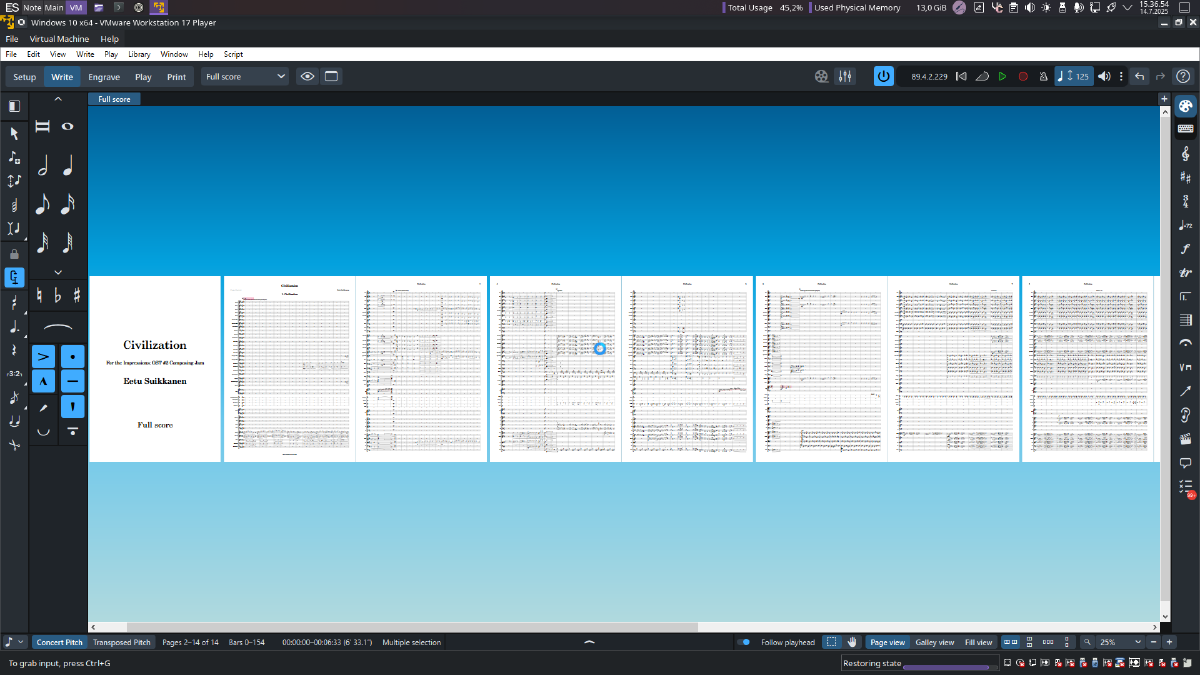
The windows virtual machine successfully running Dorico!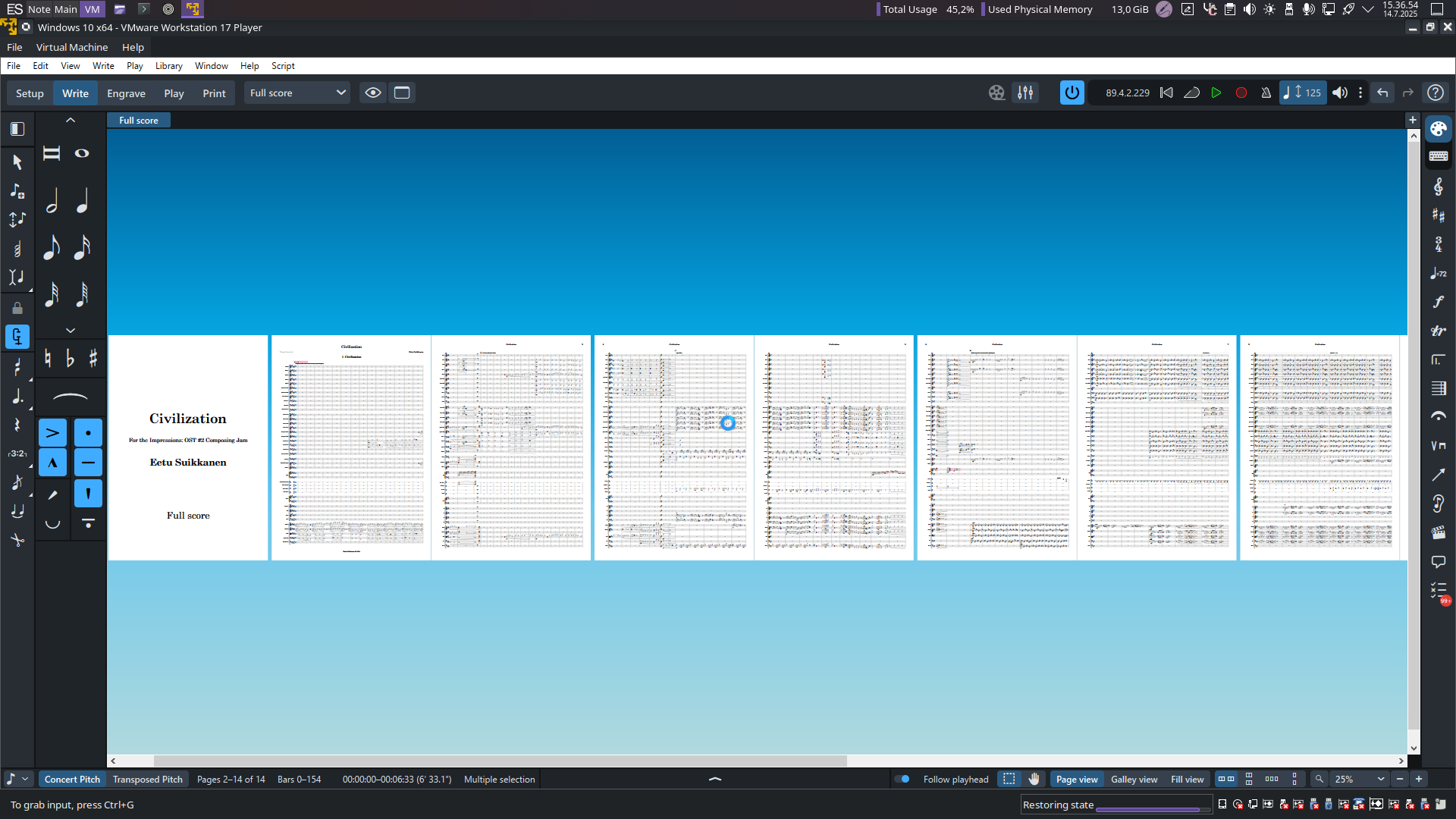
Extra QOL fiddling#
Since this machine was going to be mostly used for that one purpose I wanted to have easy access to boot up the VM without needing to first open the VMware player, select the VM and then press START THIS MACHINE, so I googled a bit and learned that making a bash script was the best option.
VMware has a command vmrun that you can use to run the selected VM without opening the main app, and that was exactly what I needed.
Making the script ended up being pretty simple, and works like making a .bat script file in windows. So when I run the file I named doricovm.sh from my start menu it runs this terminal command in the background, which boots up my Windows 10 VM with Dorico in it, and since virtual machines can save their state on closing it, it opens up with Dorico already open ready to go from whatever I had been doing last, which is great!
The bash script in question:
#!/bin/bash

#Start the Dorico VM

vmrun start "/mnt/musicprod/6 Virtual Machines/Windows 10 x64/Windows 10 x64.vmx" gui
Now it opens on its own by just running the script which is a lot faster now, which I like a lot. Next I wanted to see if I could make it open on a separate virtual desktop so I can keep it fullscreen there and then move to another virtual desktop if I need to use the internet, since I intend to keep that VM offline, just so Windows doesn’t start to do any shenanigans with updates 😉
From googling about options on how to do that on my desktop enviroment (KDE Plasma 6), a lot of people recommended using KWIN scripts to define the desktop for the app to open, but couldn’t get it to work that way. Luckily came across one person recommending to kinda do the same thing, but via the Special Application Window Settings menu, which is exactly the same as the KWIN script menu, but somehow different (KDE has a lot of option menus that look/do the same thing to me, but are not really the same😅).
After doing the same setup there, I tried booting the VM from the script and It booted straight to Virtual Desktop 3, just like i wanted it to! Now everything works great, and I’m really looking forward to a jam where I might get to trial out this Dorico setup.

How I’ve got my virtual desktops setup, Obsidian for notes on Desktop 1 NOTE, browser and daw etc. on Desktop 2 MAIN and now the windows VM for Dorico on Desktop 3 VM
Probably will still come up with some things I can tweak about this, but for now its pretty OK. When I will actually get to test drive this thing, is probably when I’ll find out what needs tweaking.
Reply by Email